

安装 BetterMac bmtop - Homebrew、通用版与源码
选择一种安装方式即可开始。正式发布提供同时支持 Apple 芯片与 Intel Mac 的 universal binary。
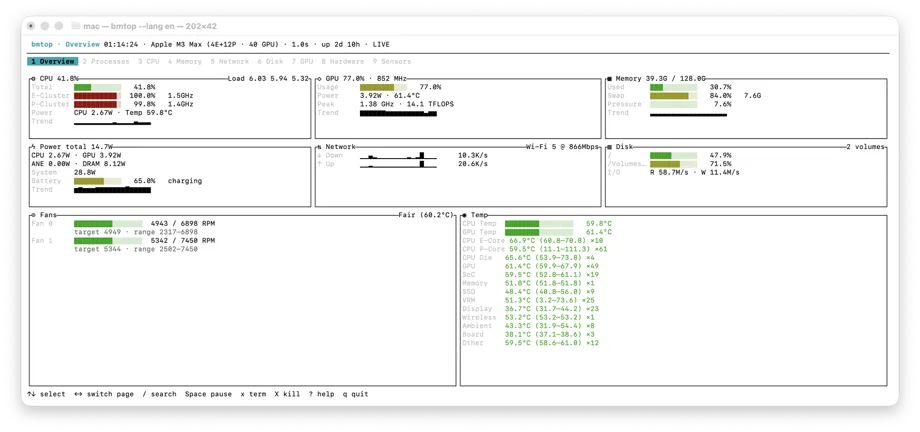
使用 Homebrew 安装
Homebrew 会从 BetterMac tap 安装 bmtop。
brew install bettermacnet/tap/bmtop下载通用版
从 GitHub Releases 下载最新的 macOS universal 压缩包;发布包同时包含 Apple silicon 与 Intel slice。
下载后可使用同一 release 附带的 SHA-256 文件校验归档。
curl -sLO https://github.com/BetterMacNet/bmtop/releases/latest/download/bmtop-macos-universal.tar.gz
tar -xzf bmtop-macos-universal.tar.gz
./bmtop
从 Rust 源码安装
如果已经配置 Rust 工具链,可直接从仓库构建并安装。
git clone https://github.com/BetterMacNet/bmtop.git && cd bmtop && cargo install --path crates/bmtop