

Better Monitor
When your Mac slows down, check the process or the network first?
Trace processes, resources, networks, and ports without turning guesses into conclusions.
The situation
A build, call, or local AI job gets slow. You need to tell whether a process is consuming resources, a connection is unusual, or a port binding or startup item needs a closer look.
What usually goes wrong
One CPU percentage can hide memory pressure, network activity, listening ports, or startup items; a local binding is not the same as public reachability.
A clearer path
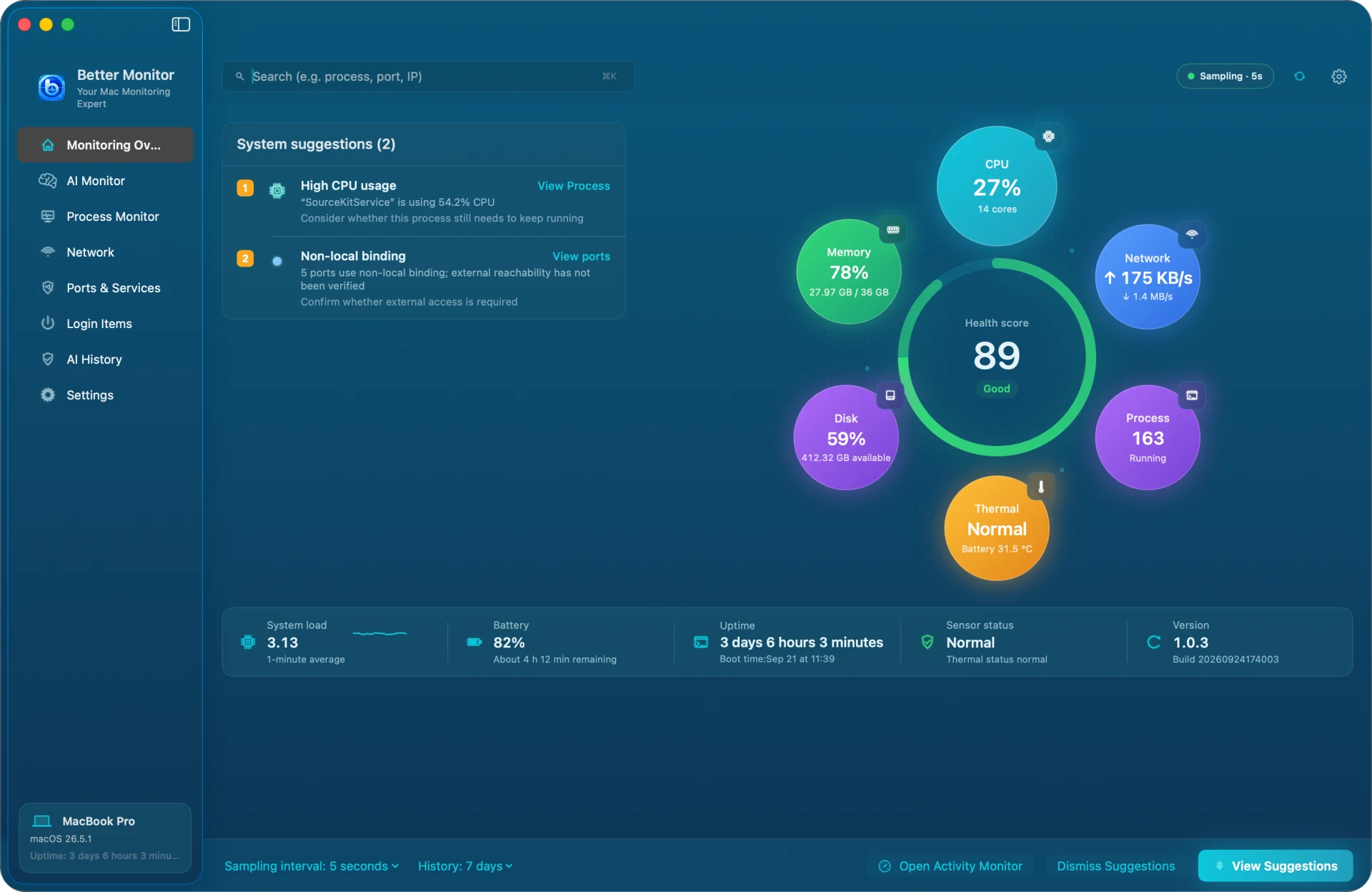
- Start with the overview for CPU, memory, network, disk, and thermal state.
- Open Processes, Network Activity, or Ports to inspect details, connections, and binding addresses.
- When you need context, request an optional AI summary for one selected process snapshot and confirm any action yourself.
Product used

Better Monitor
Better Monitor — a local workspace for processes, resources, networks, ports, startup items, and optional AI explanations.
Open product page