

BetterMac bmtop quick start and keyboard controls
Run bmtop to open the interactive terminal UI. Its nine panels and common process actions are keyboard driven.
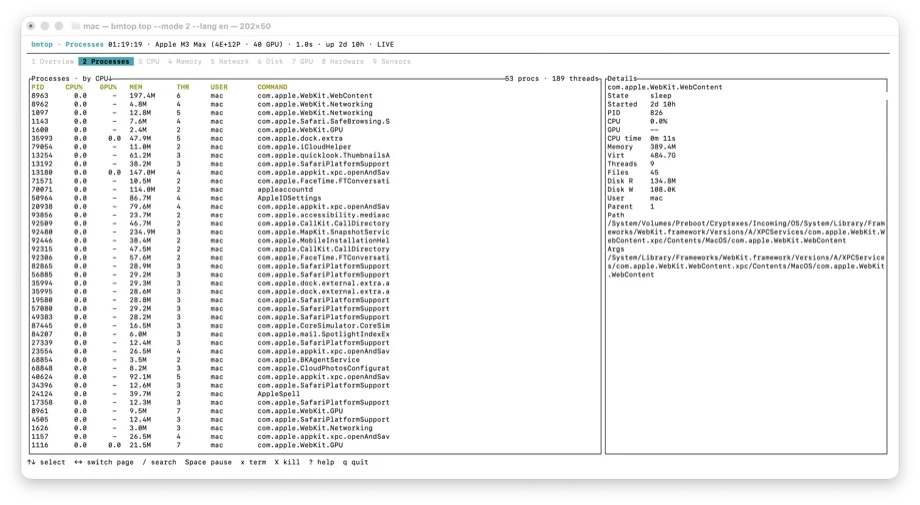
Open the interactive UI
Run bmtop, then use 1–9, F1–F9, the arrow keys, or Tab to move between panels.
bmtopSearch, sort, and control
Press / to search, Space to pause, ? for help, and q to quit.
- P, M, N: sort by CPU, memory, or PID
- E, W: sort by Energy Impact or estimated power
- V: toggle the process tree; H: show threads for the selected process
- x or k requests termination; X requests forced termination, always with confirmation
Scripts and machine output
Metric commands support JSON/JSONL; process and network output also support CSV. Use -n to limit samples.
bmtop ps --sort energy --limit 10
bmtop memory --format json
bmtop network -n 60 -i 1s --format jsonl
bmtop doctor --format json