

Better Recorder Pro
Use your iPhone as the camera while recording on Mac
Use Continuity Camera as a camera source when Apple’s requirements are met.
The situation
You want better optics than the built-in webcam for a cover video or lecture, and the Mac is already your recording machine.
What usually goes wrong
People mix Continuity Camera with iPhone screen mirroring. They are not the same. Audio routing also gets confused when a USB interface should be the mic.
A clearer path
- Meet Apple’s Continuity Camera device/account/connection requirements.
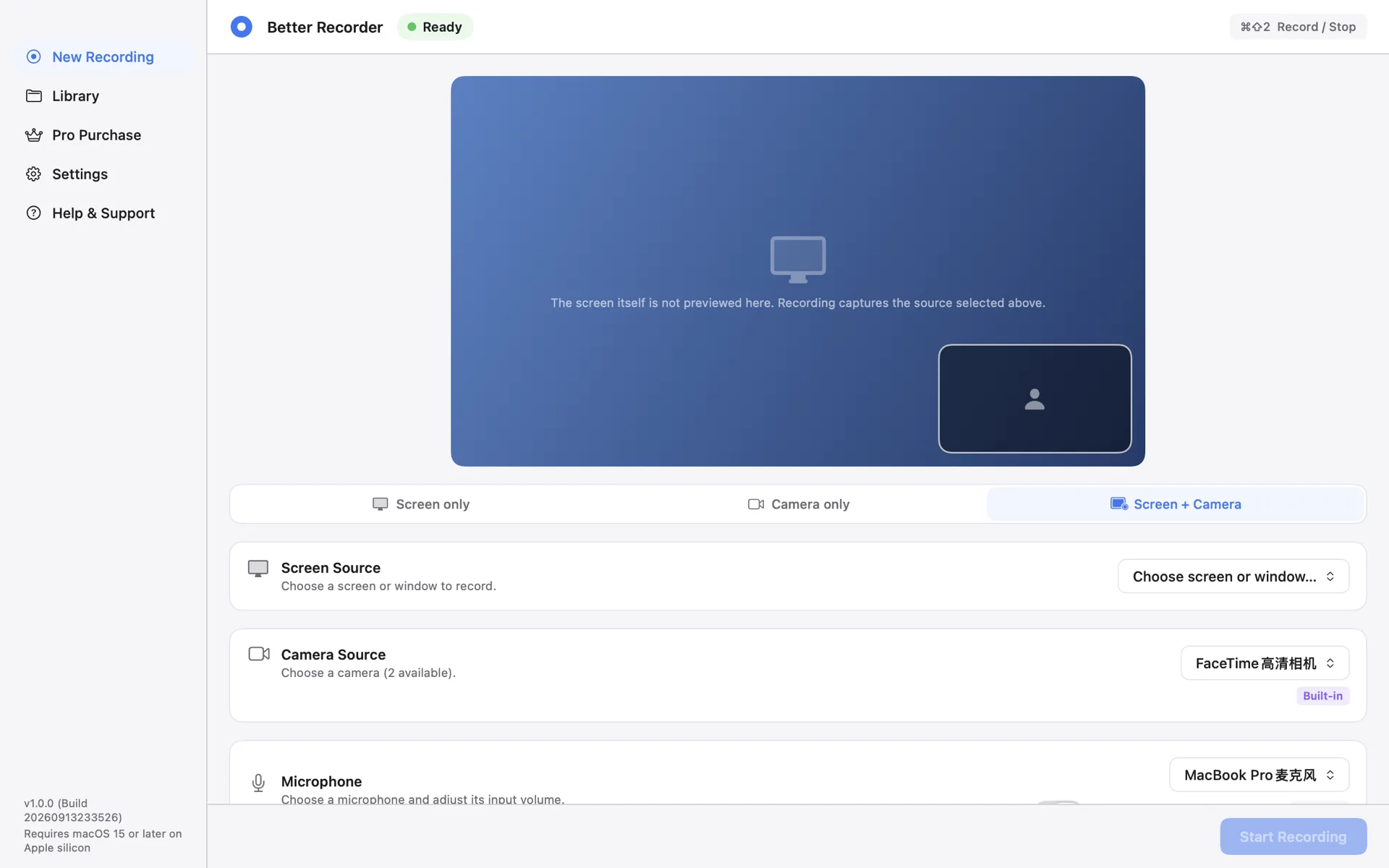
- In Better Recorder Pro, choose Camera only or Screen + Camera and select the iPhone camera when it appears.
- Select the microphone you actually want (built-in or interface), preflight, record locally.
Product used
Better Recorder Pro
Better Recorder Pro camera source list + Continuity Camera when available.
Open product page