

Better Recorder Pro
How do I record my screen and my camera at the same time on a Mac?
Screen and camera picture-in-picture to a local MP4 with system audio.
The situation
An indie developer or teacher needs a product demo: the UI on screen, a face cam, system audio from the app, and a separate mic for voice.
What usually goes wrong
QuickTime is limited on layout. OBS can do everything but asks for a scene-building project when you only wanted a finished MP4.
A clearer path
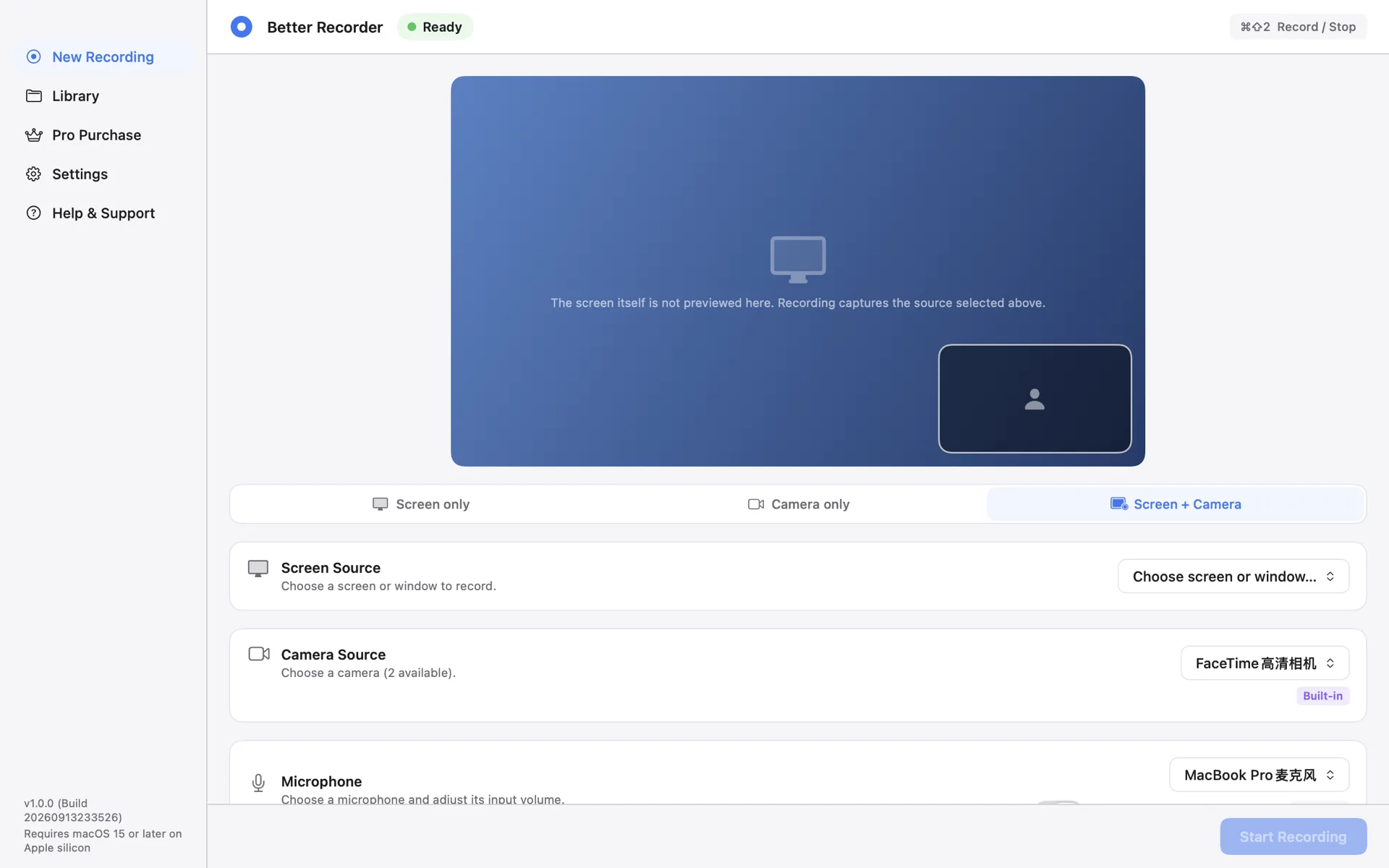
- Open Better Recorder Pro → Screen + Camera.
- Pick display or window, camera, mic; enable system audio when available.
- Place PiP on the nine-position grid, run preflight, record. Stop to a local MP4.
Product used
Better Recorder Pro
Better Recorder Pro — Screen / Camera / Screen+Camera, system audio in screen modes, local MP4 H.264+AAC up to 1080p30.
Open product page