

BetterMac bmtop
Mac fans will not quiet down. How do you find the process fast?
Sort processes in Terminal and find what is driving the fans.
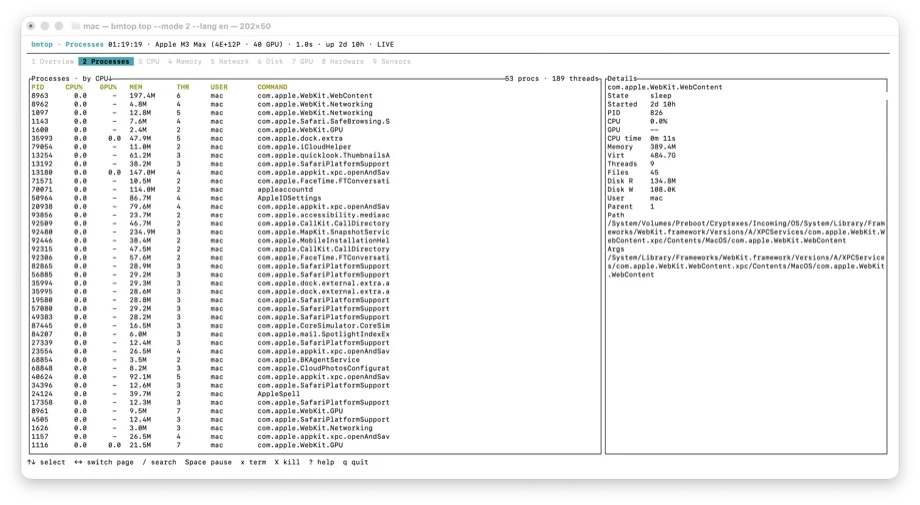
The situation
During a call or a compile, fans surge. You need the culprit without rearranging every window for Activity Monitor.
What usually goes wrong
Activity Monitor is fine but heavy as a permanent overlay. Generic Linux `htop`/`btop` ports miss Mac-specific energy and Apple Silicon context people actually hunt for.
A clearer path
- Install bmtop (Homebrew or GitHub Releases — see product page).
- Sort by CPU, memory, or energy-related signals.
- Confirm before you quit anything destructive.
Product used
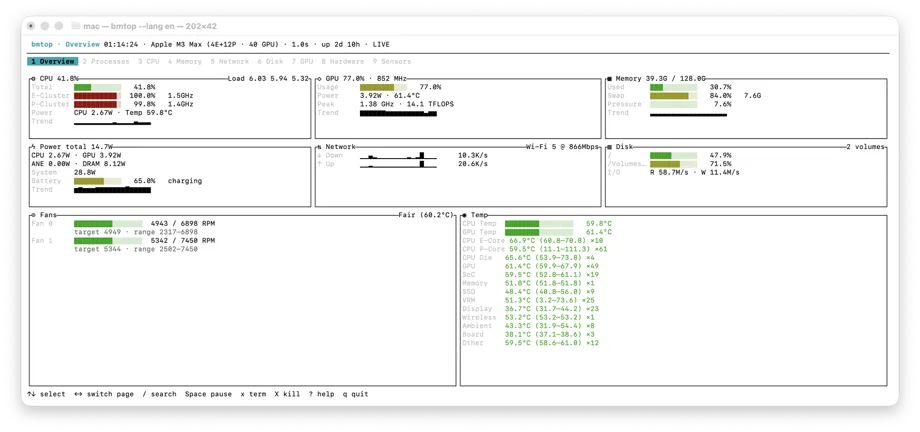
BetterMac bmtop
BetterMac bmtop — terminal monitor with familiar top/htop-style controls plus Mac resource views.
Open product page