

Better UnArchiver
Share files in an encrypted archive without a cloud middleman
Create an AES-256 ZIP or 7z on your Mac without uploading the contents.
The situation
You need to send contracts, assets, or dumps to a contractor. You want a password on the archive and you do not want the contents uploaded “for convenience.”
What usually goes wrong
Finder’s Compress has no AES option. Cloud “secure share” links move the files off the machine and add account friction.
A clearer path
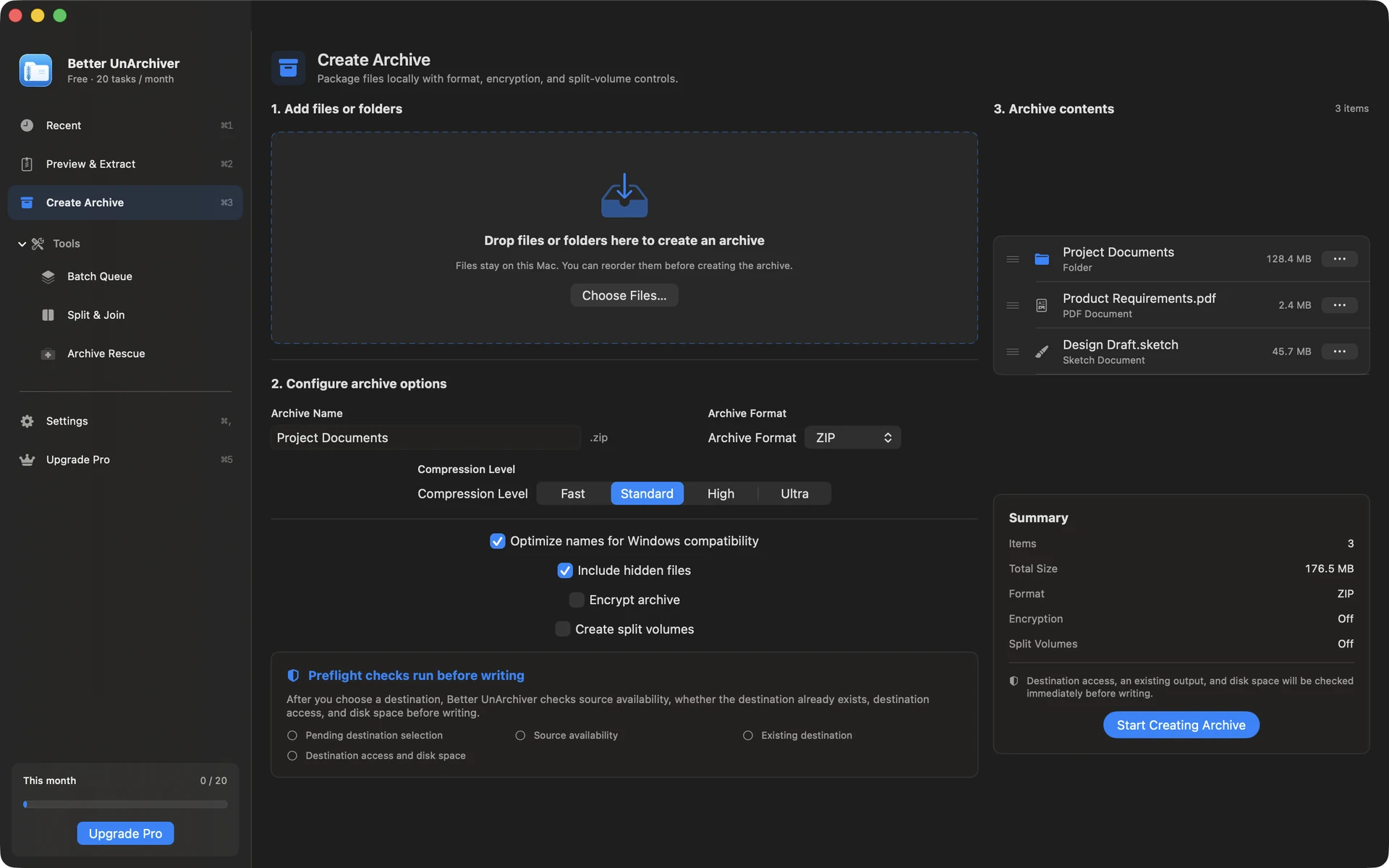
- Create a new ZIP or 7z in Better UnArchiver.
- Enable AES-256, set a password, optionally split volumes.
- Send the archive through the channel you already trust; share the password out of band.
Product used
Better UnArchiver
Better UnArchiver create flow — ZIP / 7z, AES-256, split volumes, Windows compatibility options.
Open product page