

How to record system audio and a microphone on a Mac - Better Recorder Pro
A silent Mac screen recording is almost never a bug: system audio and the microphone are two independent sources. Better Recorder Pro puts both on the same page, and lets you check afterwards which one actually made it into the file.
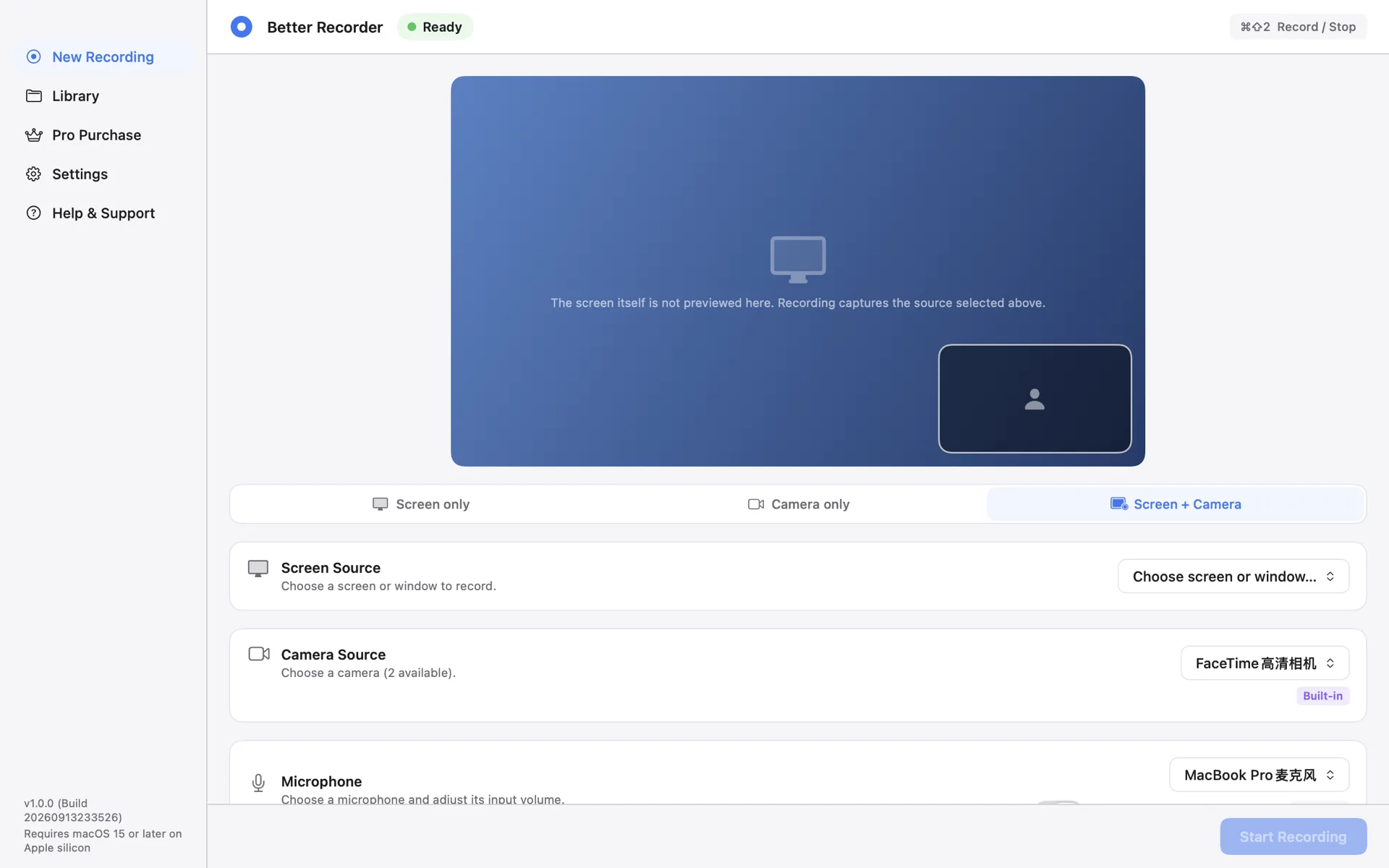
System audio and the microphone are separate sources
On the New Recording page the microphone is its own source row, with a device picker and an input level. System audio is included in screen modes when it is available. You can record both together or just one of them.
Camera-only recordings carry no system audio: the picture comes from the camera, no screen content is being captured, and system audio is not on that path.
Turn on system audio in a screen mode
Pick Screen only or Screen + Camera, choose the display or window you want, then confirm the system audio row. During recording, system audio and the microphone are mixed into the same audio track.
If you only want narration and no alert sounds or music, leave system audio off. For a game or a video demo it is usually the other way round: system audio on, microphone empty.
The microphone: pick a device, then set the level
The microphone row selects a built-in Mac microphone or an external USB microphone and sets its input level. Microphone permission is requested only when you have actually selected a microphone — no microphone, no prompt.
Record a short test before the real take and play it back to judge the balance between your voice and system audio; this release does not provide live monitoring while recording.
Verify the audio in the Library
The Library details list the audio sources actually written for that recording, such as system audio plus microphone. If a track you expected is missing on playback, check there first, then revisit the source selection or the input device in System Settings.
The file is an MP4 with H.264 video and AAC audio, up to 1080p30, and the audio lives in the same file as the video — no separate merge step.
Better Recorder Pro
Download from the Mac App Store.