

Batch extract archives on Mac with Better UnArchiver
Batch extraction processes multiple independent archives together. It is different from one archive split into a volume set, which must stay complete and start from its first volume.
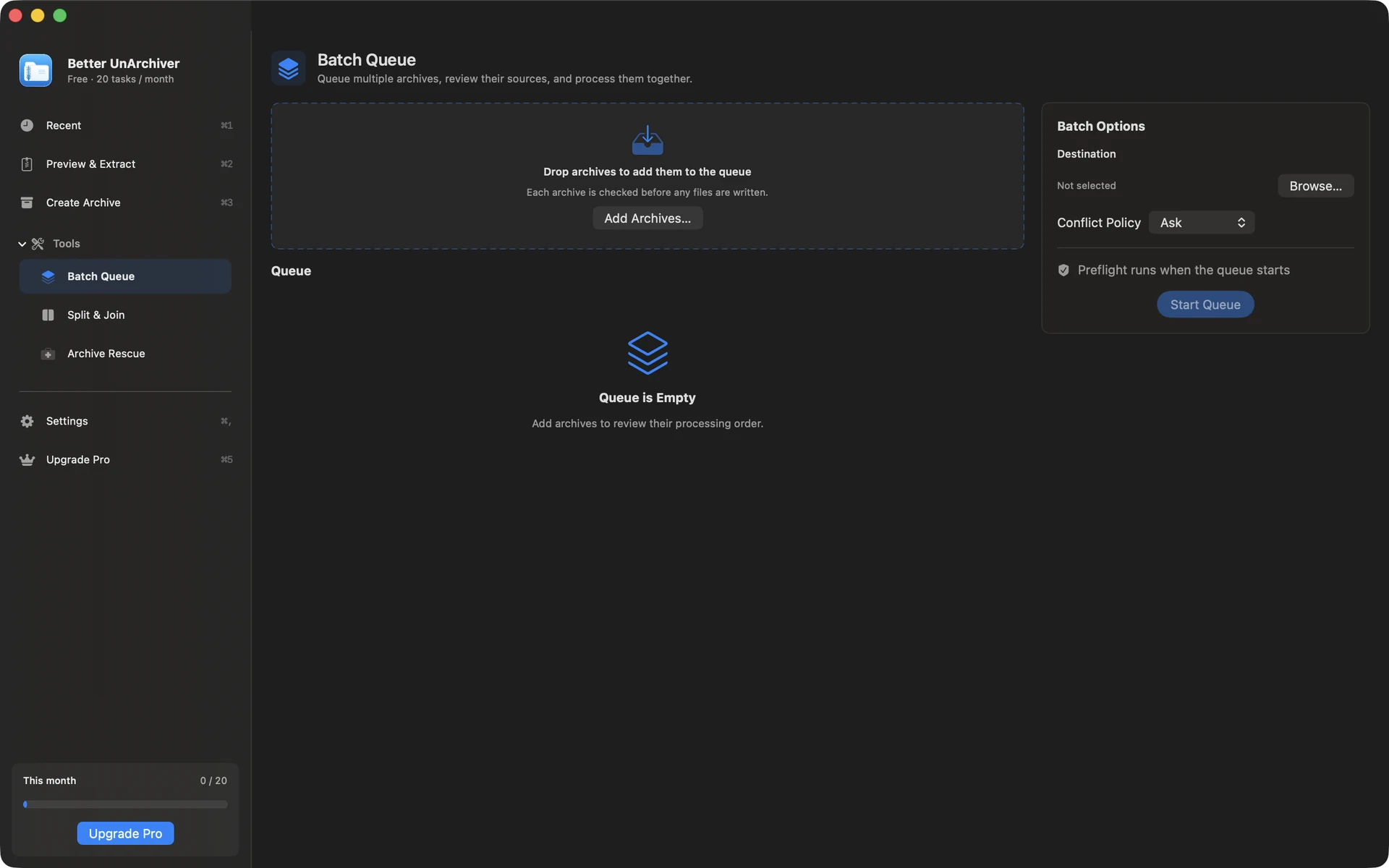
Add multiple independent archives
Add the supported ZIP, RAR, 7z, or other archives you need to process, choose the batch destination, then review every source and output before starting.
Choose conflicts and run preflight checks
Choose Ask, Replace, Keep Both, or Skip for conflicts. Better UnArchiver checks source availability, an existing destination, folder permission, and disk space before writing, then shows per-item state and overall progress.
- The task set stays fixed while the queue is running
- Failed or cancelled work does not consume the free allowance
- The free tier counts each successful item separately; a whole batch is not one task
Do not treat a volume set as a batch
Files such as .part1.rar, .z01, or .001 are parts of one archive and must remain complete and start from the first volume. Multiple independent archives are what belong in a batch queue.
Available on the Mac App Store
The free tier includes 20 tasks per month up to 100 MB each. A one-time Mac App Store purchase removes the task-count and size limits shown for the current version and unlocks Pro. Better UnArchiver is available on the Mac App Store, where Apple handles purchases and restoration. Website checkout and license services remain disabled, and the recovery portal stays closed. macOS 14 or later · Apple silicon and Intel.