

Open RAR files on Mac with Better UnArchiver
The basic macOS archive workflow does not cover every RAR case. Better UnArchiver can browse RAR4, RAR5, encrypted, and multi-volume archives and selectively extract their contents.
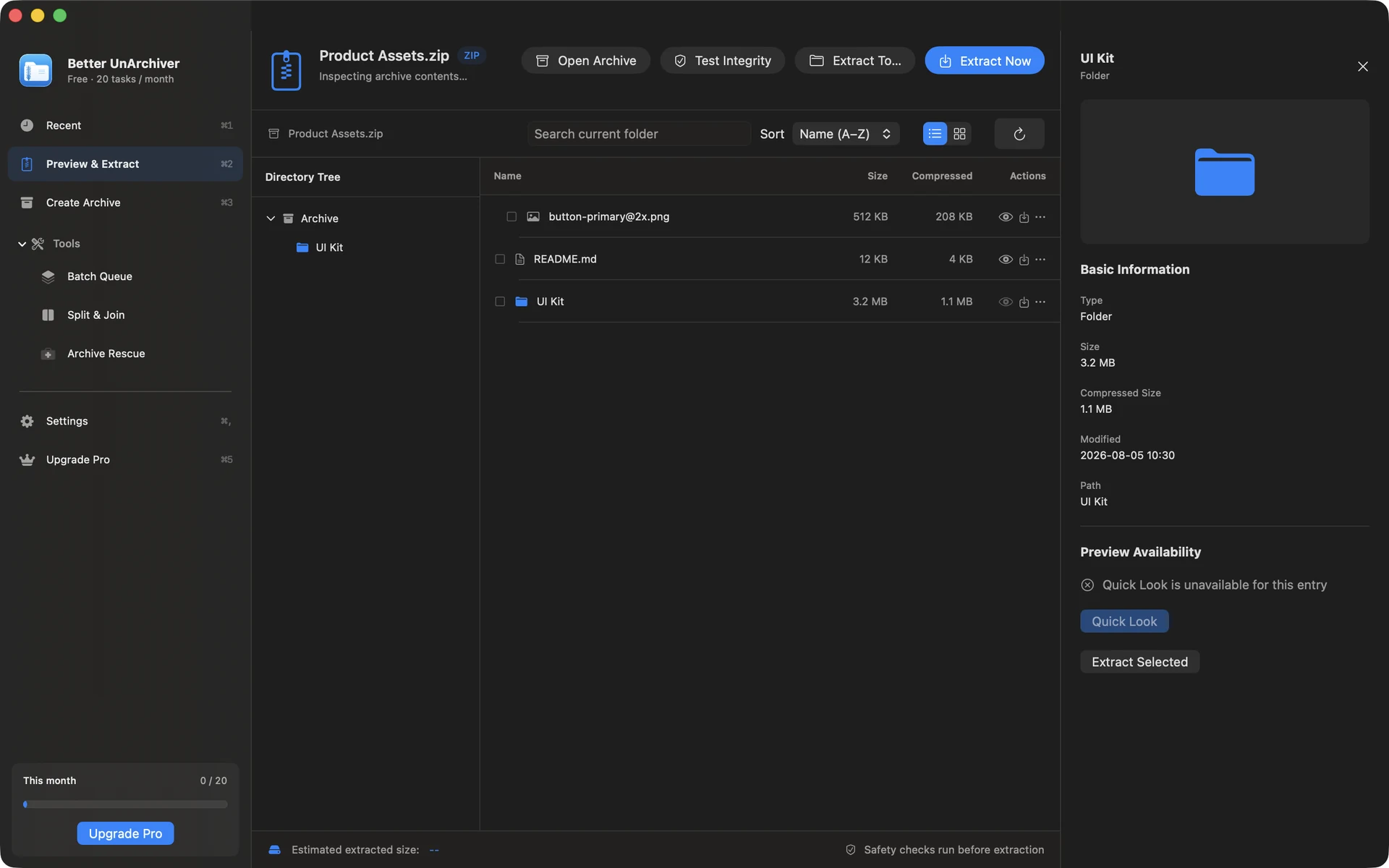
Open a standard or encrypted RAR
Choose the RAR in Better UnArchiver, enter the correct password you already have, then browse the tree, search entries, or extract only what you need. The app does not crack, recover, or bypass a lost password.
Start with the first volume
Keep every part in one folder and open the first volume, such as .part1.rar or the lowest-numbered file in the set. If a required part is missing, obtain the complete set instead of repeatedly renaming extensions.
- A multi-volume set is one archive split into parts, not multiple independent RAR files
- Check that every expected volume has arrived before extracting
- Do not rename or move one part away from the set
RAR5 and read-only boundaries
RAR5, encrypted, and multi-volume extraction still requires a complete archive and the right password. Better UnArchiver uses UnRAR to read and extract RAR, but it does not create RAR, repair RAR recovery records, or guarantee recovery of missing or damaged data.
Available on the Mac App Store
The free tier includes 20 tasks per month up to 100 MB each. A one-time Mac App Store purchase removes the task-count and size limits shown for the current version and unlocks Pro. Better UnArchiver is available on the Mac App Store, where Apple handles purchases and restoration. Website checkout and license services remain disabled, and the recovery portal stays closed. macOS 14 or later · Apple silicon and Intel.