

Troubleshoot Mac ZIP Error 79 with Better UnArchiver
Error 79 means Archive Utility could not process the file as expected; it does not by itself prove that the archive is corrupt. Diagnose in order before trying another extractor or read-only salvage.
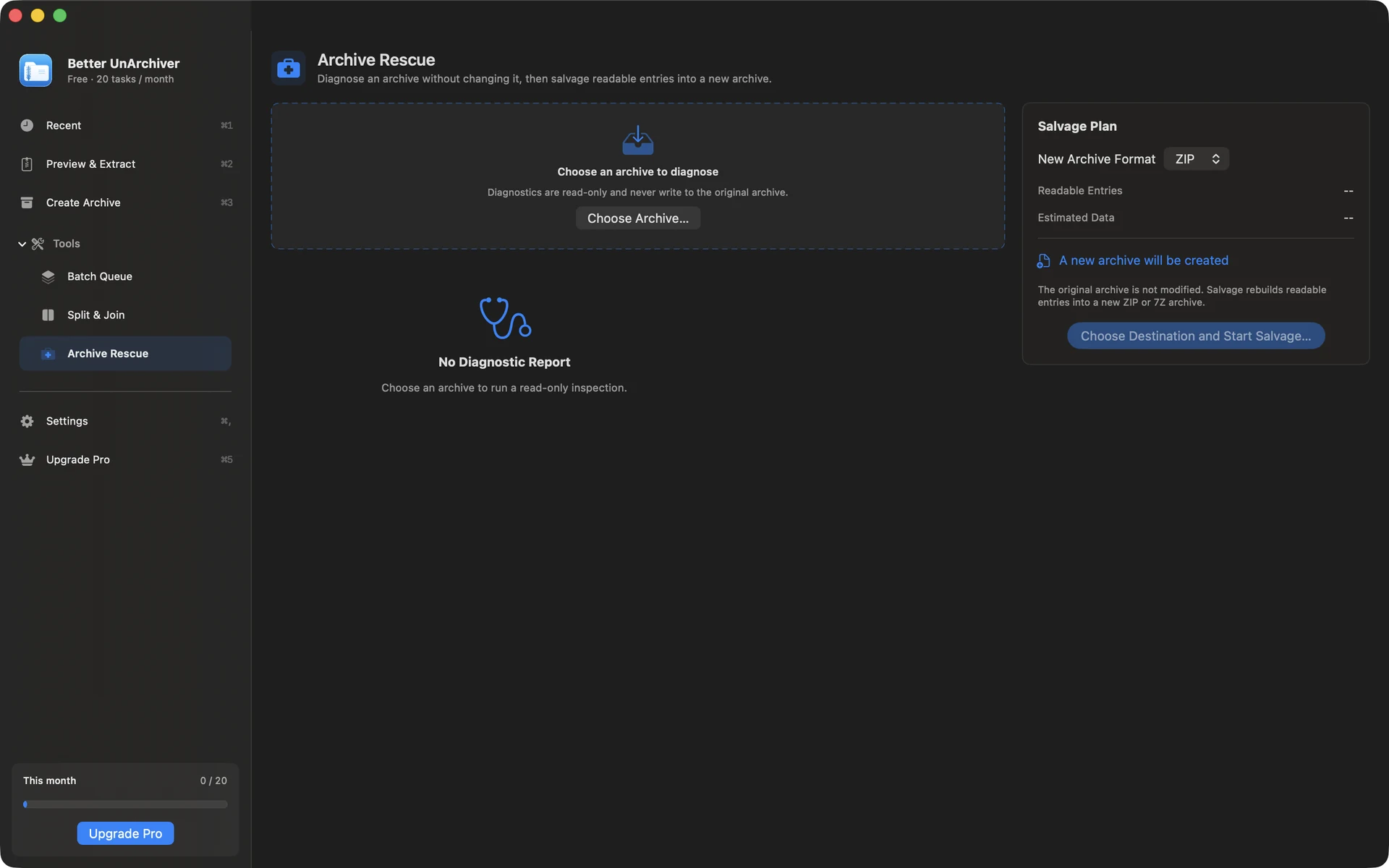
Rule out file and storage problems
Download the file again to rule out an incomplete download, verify the real format instead of only changing its extension, check disk space and destination permissions, and keep every required volume in one folder.
Check passwords and compression compatibility
Confirm the password and start from the first volume. A file may use an encryption or compression method Archive Utility does not support but another compatible tool can read; listing a directory still does not prove every file is intact.
- Do not hide the real format by repeatedly changing the extension
- Run an integrity test and read the specific error before extracting
- Keep the source and an independent backup when salvaging readable entries
Diagnostics and salvage boundaries
Better UnArchiver can diagnose read-only and copy readable entries into a new ZIP or 7z without changing the source. It does not guarantee repair or recovery of all data; CRC errors, truncated content, and a missing volume usually require a complete replacement copy.
Available on the Mac App Store
The free tier includes 20 tasks per month up to 100 MB each. A one-time Mac App Store purchase removes the task-count and size limits shown for the current version and unlocks Pro. Better UnArchiver is available on the Mac App Store, where Apple handles purchases and restoration. Website checkout and license services remain disabled, and the recovery portal stays closed. macOS 14 or later · Apple silicon and Intel.