

Get started with Better Monitor: install, first launch, and permissions
Better Monitor is a free, native macOS system monitor that puts processes, network activity, ports, login items, and hardware status in one window. It takes a few minutes to install and start using.
Install
Requires macOS 15 or later on Apple silicon or Intel. Install with Homebrew, or download the signed and notarized DMG from GitHub Releases and drag Better Monitor.app into Applications.
brew install --cask bettermacnet/tap/better-monitorFirst launch
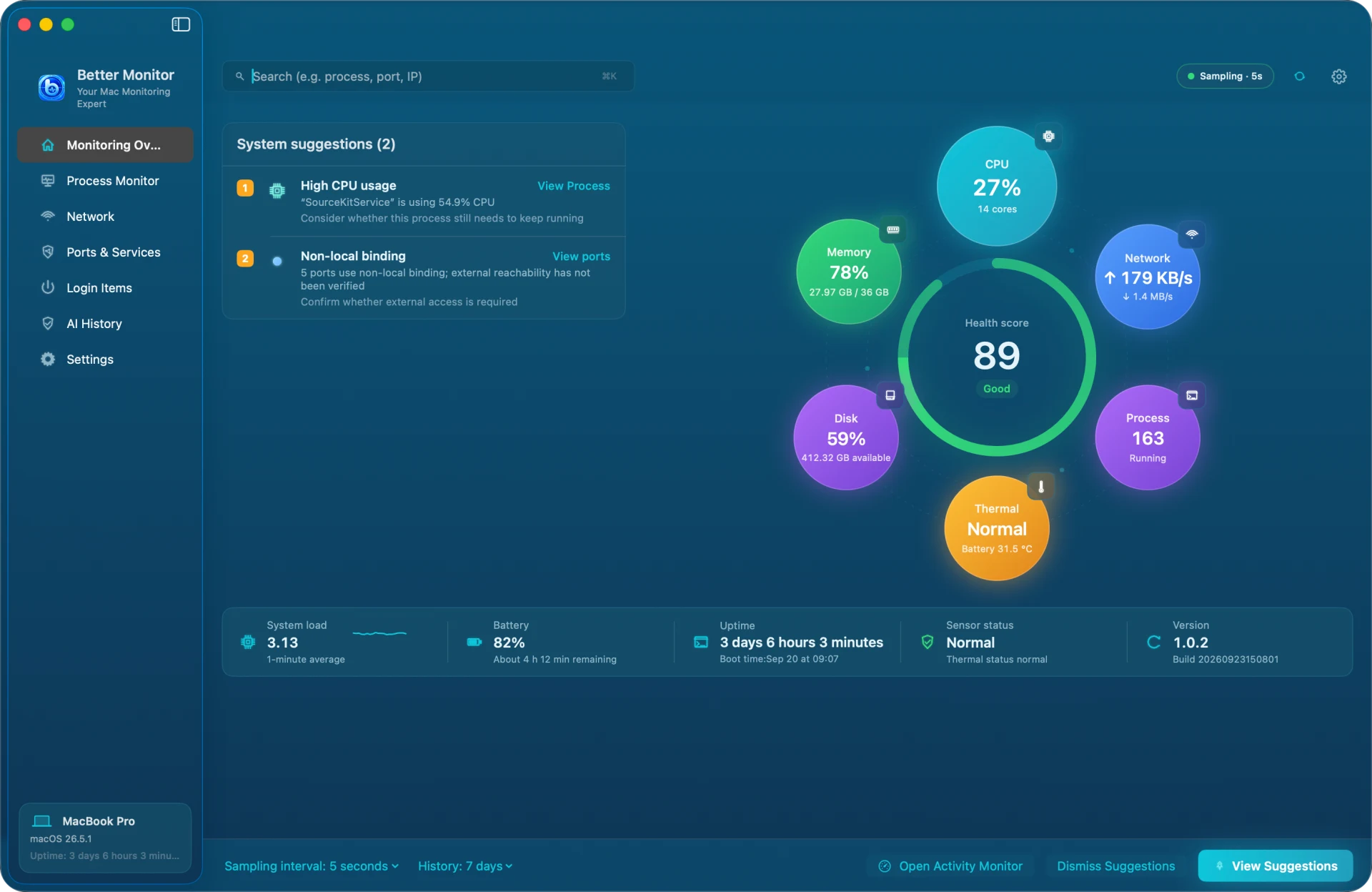
The first launch shows Terms & Privacy: local-first monitoring, network lookups only when you trigger them. After Agree and Continue, Better Monitor samples every 5 seconds and adds a menu bar icon that opens a live panel.
Where to start
The sidebar has seven pages. Pick the one that answers your question:
- How is this Mac doing? Monitoring Overview, with the health score and suggestions
- What is using CPU or memory? Process Monitor
- Which app is online, and how much traffic? Network › Network Activity
- Which ports are open? Ports & Services
- What runs after login? Login Items
- What did AI explain before? AI History
Optional permissions
Better Monitor never asks for an administrator password or installs system extensions. You can decline each of these and everything else keeps working:
- Location Services: used only to read the Wi-Fi name; your location is never read or recorded
- Automation (System Events): reads the list of apps that open at login
- Notifications: CPU, memory, and battery-temperature alerts
Shortcuts
⌘K focuses the search field on the current page, ⌘R refreshes, ⌘. pauses or continues monitoring, and ⌘, opens Settings.